



iad. Diorama Coming Soon

Help that shows you.

Layers · guidance · discovery

See how it works
01 · How it worksLearning · Guidance · Play

Nobody reads the manual. They wait to be shown.

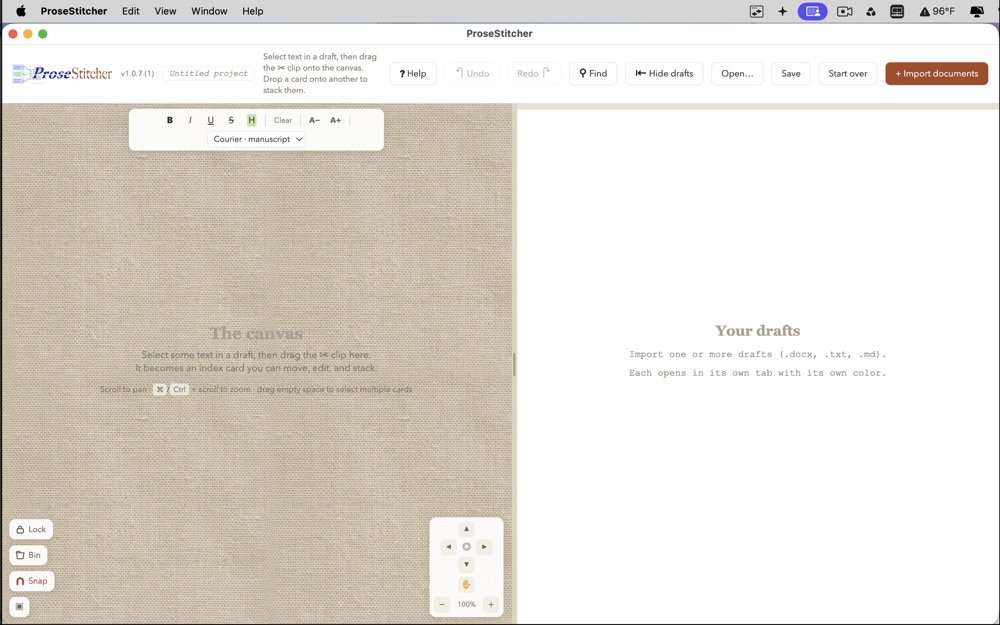
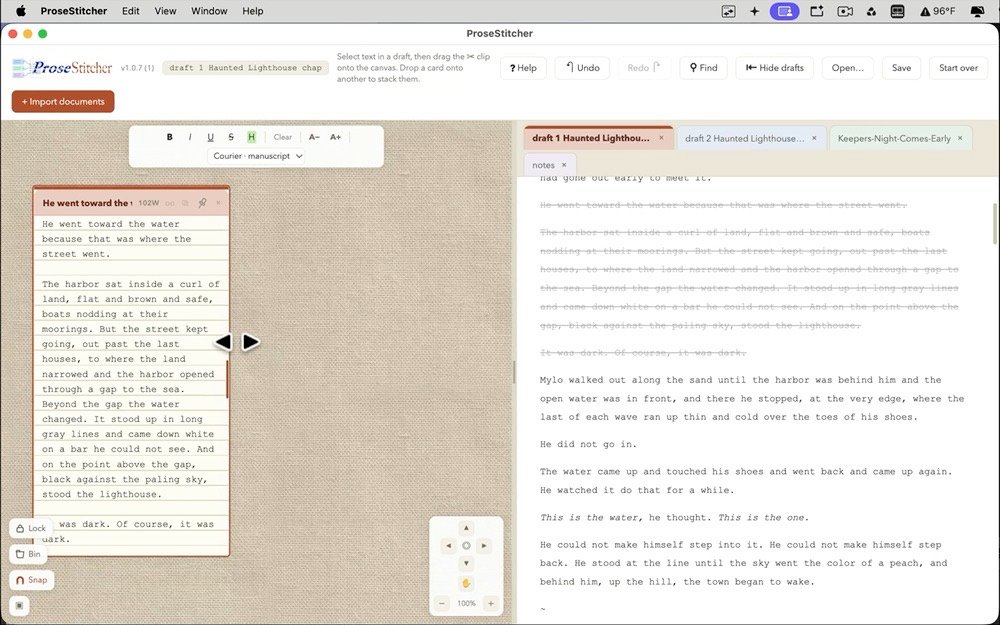
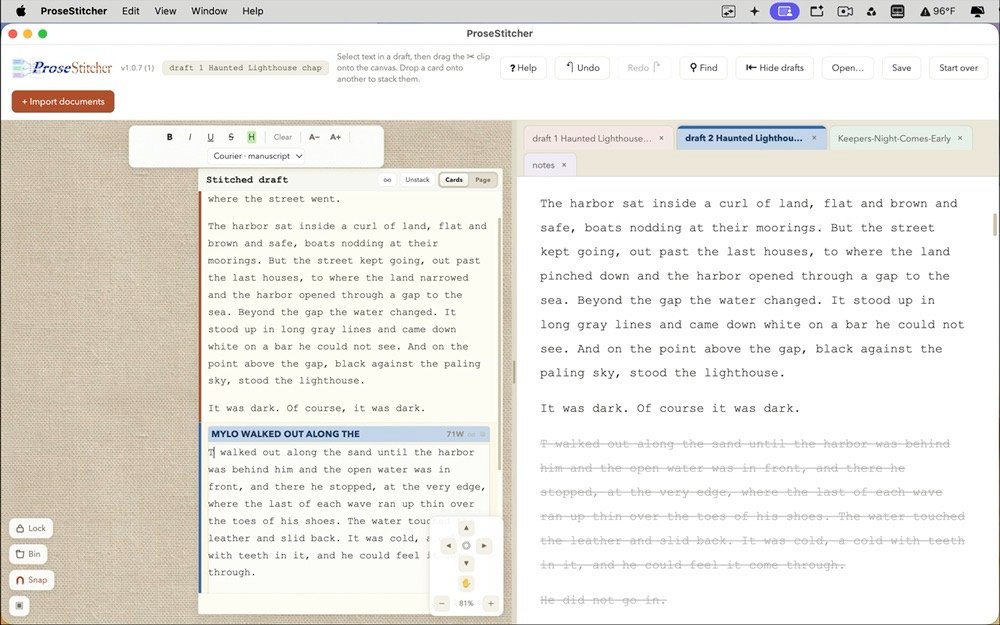
Diorama turns short screen clips into a small course, a page at a time. Each clip plays once and stops. The words arrive the moment the clip reaches them.

02 · On the pageShow · point · turn

Everything on the page points.

Layer what the clip can’t say on its own. It arrives, makes its point, and gets out of the way.

  • Callouts that keep time

    Words, lists and pictures come and go on the clip’s own clock. Pause it, skip it, replay it. They stay in step.

  • A magnifier

    Lift one small corner of the clip and hold it up, still playing, so the detail can be seen.

  • Arrows · steps · spotlight

    Point at it. Number it. Dim everything else and leave one thing lit.

  • Keycaps and a mouse

    A shortcut drawn the way it looks under your fingers. Command, Shift, 4. Control and drag.

  • Links between pages

    “Learn more” is one click away. Back brings the reader home to the page they left.

  • One master page

    Type, colour, background and frames, set once. Every page follows, so the course looks finished.

03 · Two appsA pair, like a PDF and its reader

One makes. One plays.

Both open the same course file. The Editor builds it. The Player only reads it, so there is nothing for a reader to break.

The Diorama Editor icon: a gold graduation cap above a podium, under a spotlight.

Diorama Editor

For anyone who has to teach software.

  • Drop a clip on the window and it becomes a page
  • Click the words and type, at their real size, over the real artwork
  • Everything saves as you go, with undo all the way back
  • Export a clean copy holding only what the course uses
The Diorama Player icon: a simplified gold graduation cap under a spotlight.

Diorama Player

For anyone who wants to get on with it.

  • Clips play once and stop, so you watch the part you need and move on
  • Page with the arrow keys, or jump there from the thumbnails
  • Hover over a clip to pause it or skip ten seconds
  • A sample course is inside, ready the moment you open it
04 · One fileYours to hand over

Everything travels together.

The .drama document icon.

A sealed course

A course is one .drama file with its clips inside. Send it the way you would send anything else.

diorama://your-course/page-7

A link to the page

Put one behind your app’s Help menu. People land on the lesson they came for, not at the beginning.

No account. No cloud.

Nothing collected

Courses are files on your Mac. Neither app connects to anything. Read the privacy statement.

05 · Coming soon

Help that shows you.

Coming soon to the Mac App Store. For Macs with Apple silicon, on macOS 26 or later.

Write to us